GOOZEEZOO
Radioberry Juice USB Board, USB-to-PC SDR Interface for Windows & Linux
Radioberry Juice USB Board, USB-to-PC SDR Interface for Windows & Linux
Couldn't load pickup availability
🚚 Free US Shipping on Orders $100+
Connect Your Radioberry SDR Directly to Your PC
Upgrade your Radioberry SDR setup with the Radioberry Juice USB Board. Designed to replace the Raspberry Pi 4 as the host interface, this USB adapter connects a compatible Radioberry module directly to a Windows or Linux computer for software-defined radio operation.
Key Features
USB-to-PC SDR Interface
Connect your Radioberry module directly to a PC through USB without requiring a Raspberry Pi 4, simplifying your SDR hardware setup.
Multiple SDR Software Options
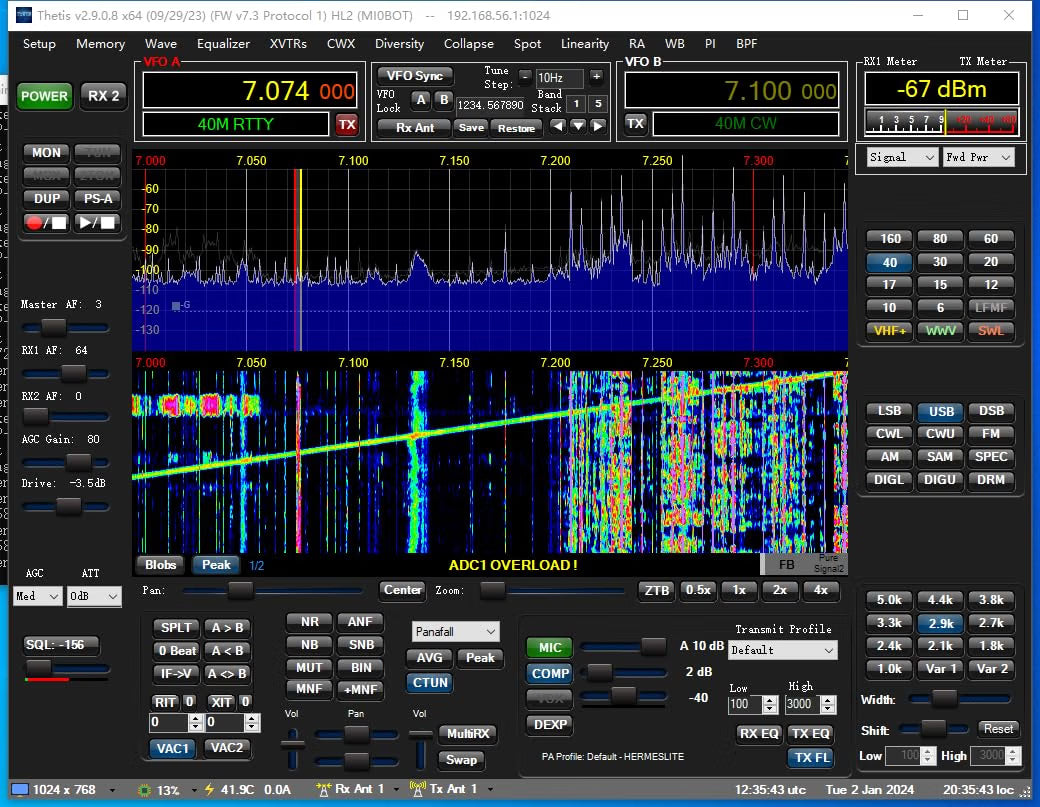
Supports compatible configurations of SDR Console V3, Thetis SDR, SparkSDR, and piHPSDR, providing flexible software options for Windows and Linux users.
4 Receivers & 1 Transmitter
Supports up to four receiver channels and one transmitter channel for SDR monitoring and amateur radio applications.
Up to 384 kHz Bandwidth
Provides a maximum supported bandwidth of 384 kHz for SDR signal reception and processing.
Digital Mode Integration
Supports compatible configurations involving CW Skimmer Server, VB-CABLE, and WSJT-X for additional amateur radio operating modes.
Open-Source SDR Development
Suitable for amateur radio enthusiasts, SDR experimenters, and users building customized Radioberry-based radio systems.
Technical Specifications
| Specification | Details |
|---|---|
| Product Type | USB-to-PC SDR Interface Board |
| Compatibility | Radioberry SDR Modules |
| Host Connection | USB |
| Operating Systems | Windows / Linux |
| Receiver Channels | Up to 4 |
| Transmitter Channels | 1 |
| Maximum Bandwidth | 384 kHz |
| SDR Software | SDR Console V3 / Thetis / SparkSDR / piHPSDR |
Package Includes
-
1 × Radioberry Juice USB Board
-
1 × USB Cable
-
4 × 16mm Screws
-
4 × 5mm Nuts
-
4 × 11mm Plastic Standoffs
Radioberry SDR module, PC, antenna, and other RF accessories are not included.
Setup & Compatibility
-
Connect the compatible Radioberry SDR module to the Juice USB Board.
-
Connect the assembly to your Windows or Linux computer using the supplied USB cable.
-
Install the required USB driver and Juice software.
-
Configure your preferred compatible SDR application.
Important Notes
This is a USB interface expansion board, not a standalone SDR transceiver. A compatible Radioberry radio module and computer are required for radio operation.
Basic knowledge of SDR software, drivers, and RF systems is recommended. Advanced software configurations and additional features may require independent setup and troubleshooting.
Share